
Free AI Image Generator
Create high-quality images from text or reference photos online for free.
Quick start
AI Image Tools
Cut out, upscale, expand, or restyle an existing image online. Each tool has a focused workflow, and every result is saved to the same private image library.
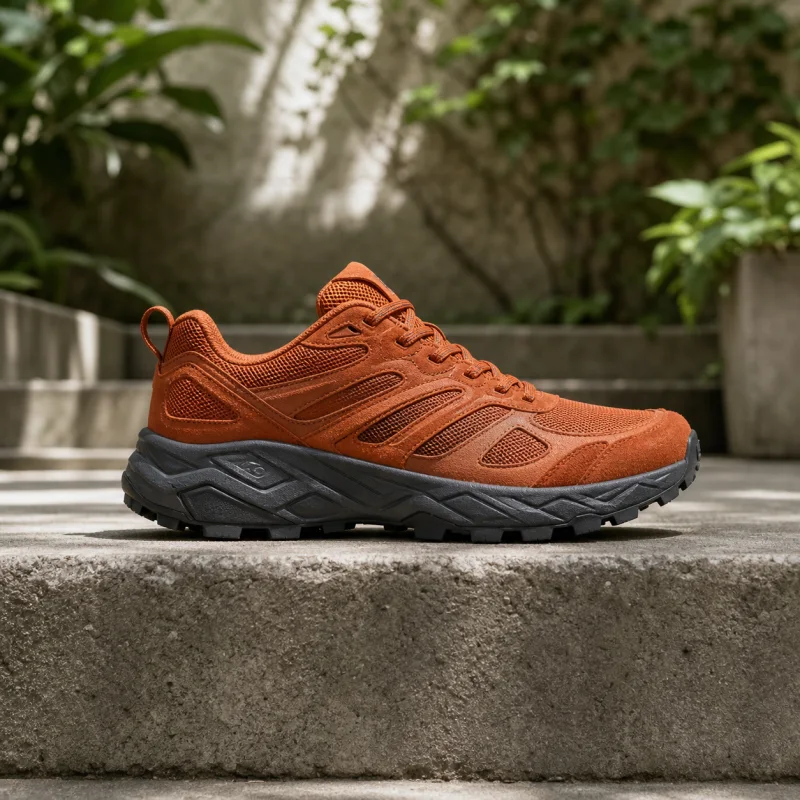
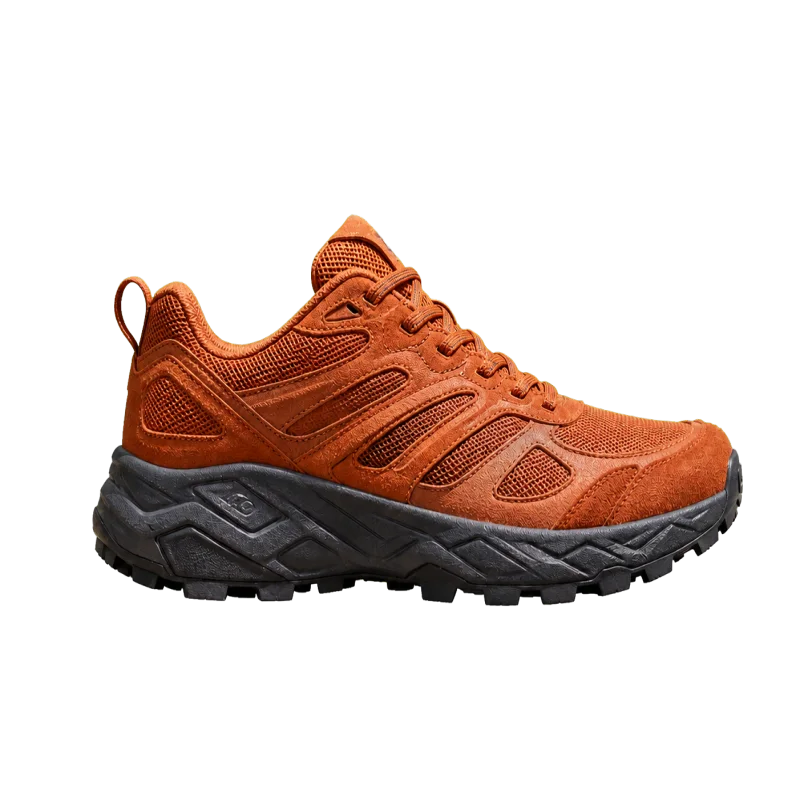 Background removerCut the subject out and get a transparent PNG back.
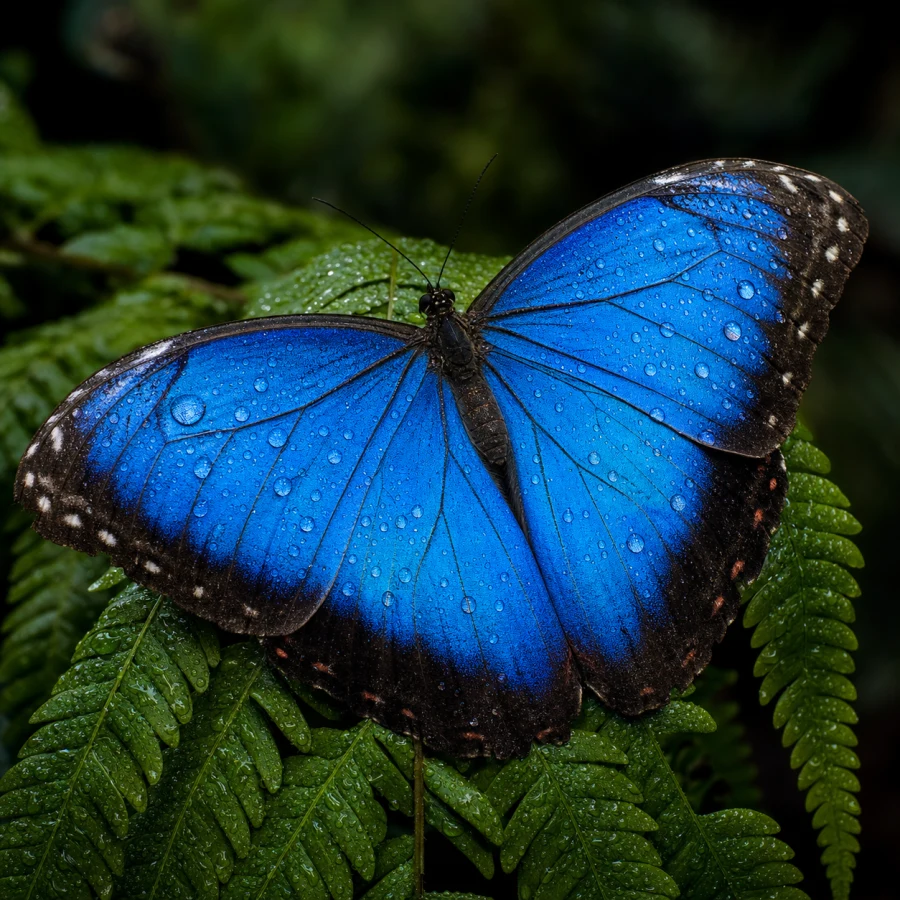 Image upscalerEnlarge a picture 2× or 4× without it going soft.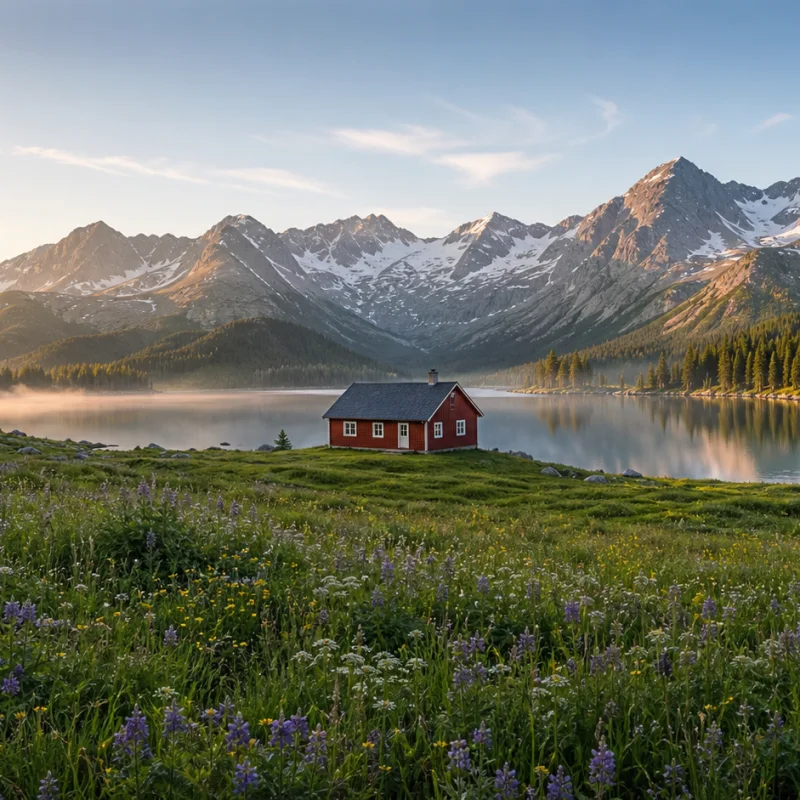
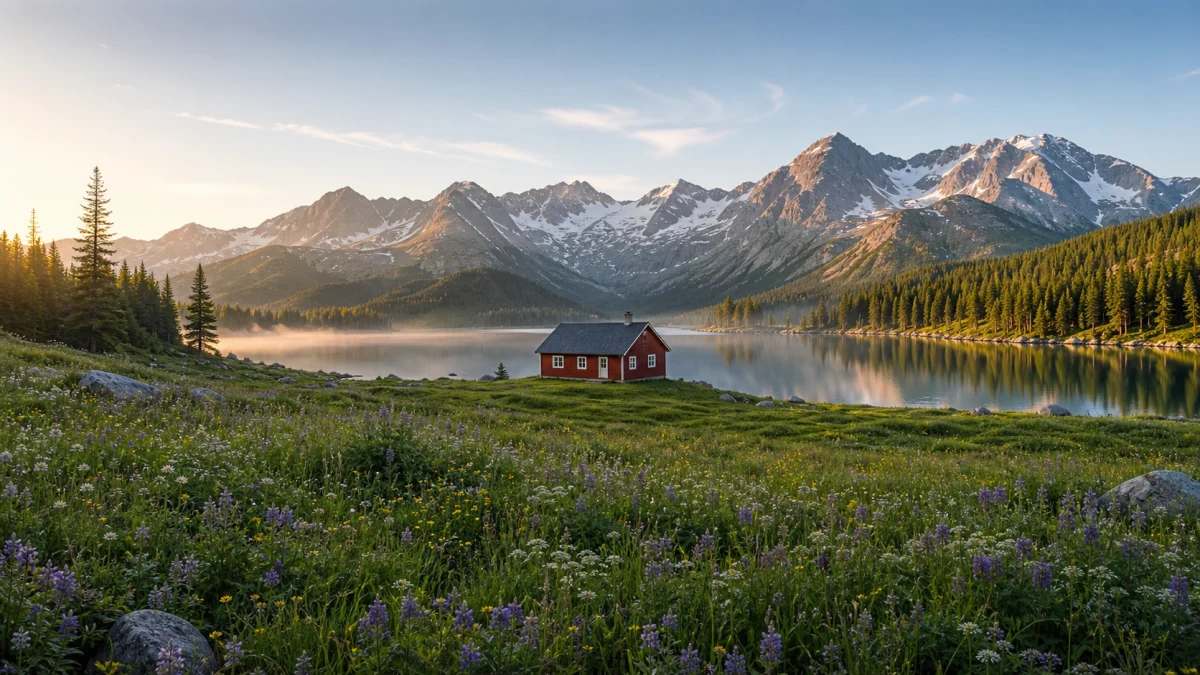 Image expandExtend a picture beyond its original frame to a new aspect ratio.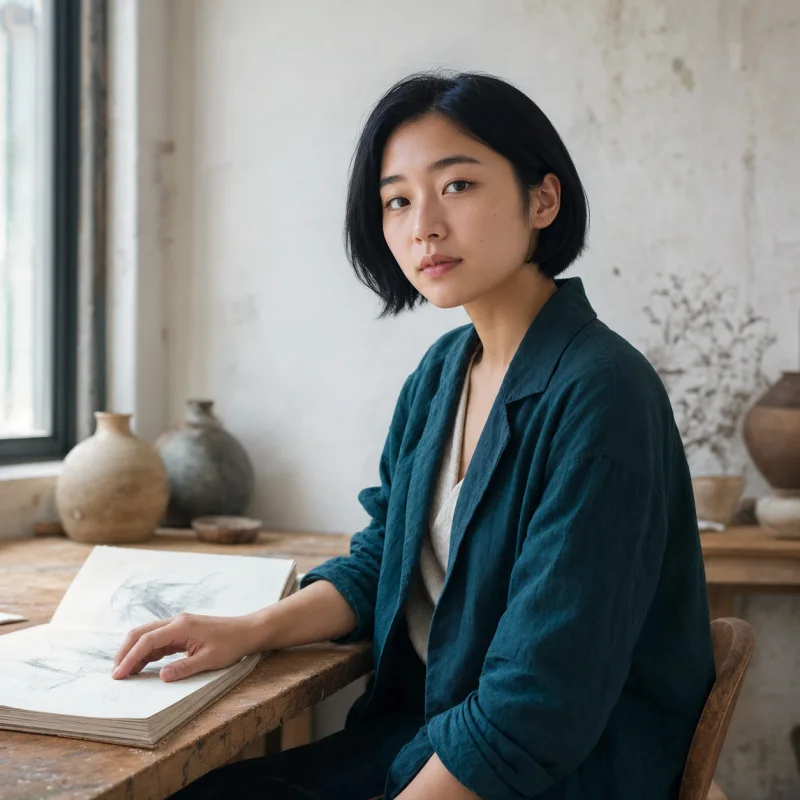
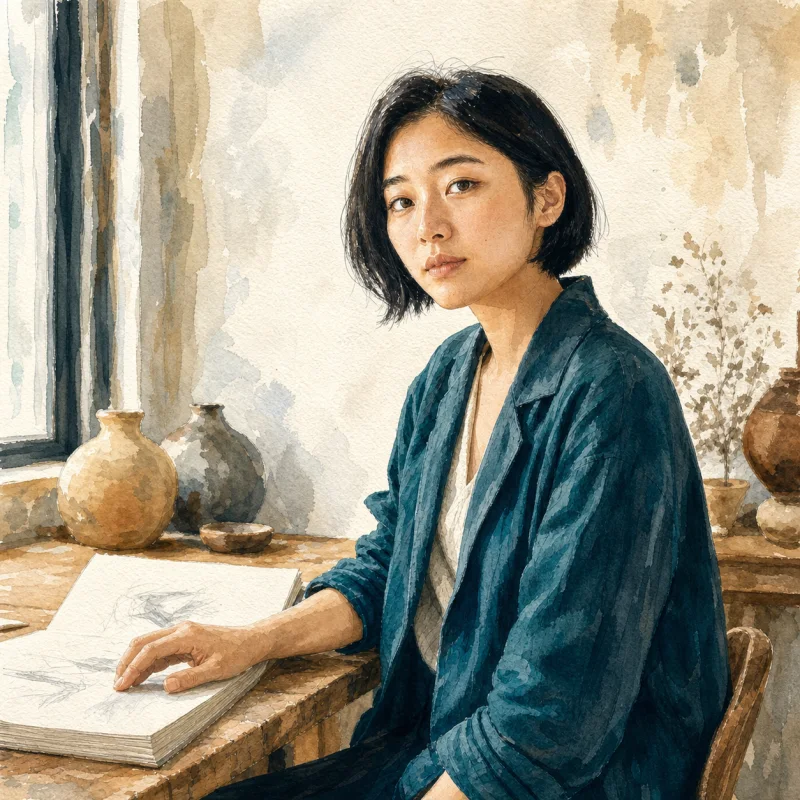 Transform styleTurn a photo into an illustration while keeping the subject.
AI Image Models
Choose from four image generation models in one interface. Open a model page to compare its strengths, example images, and recommended prompts.
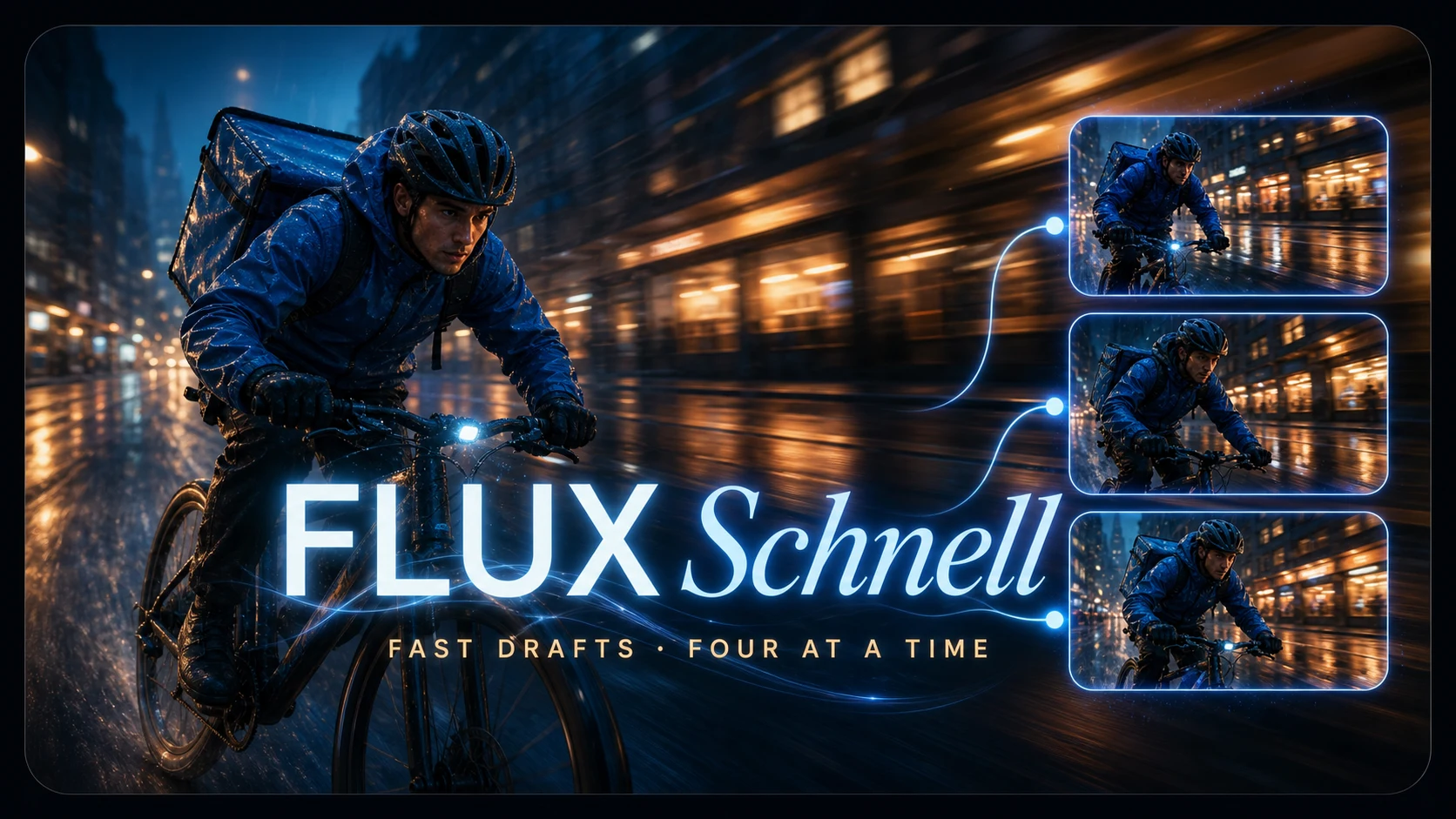 FLUX SchnellFast drafts and multi-image variations for exploring ideas quickly.
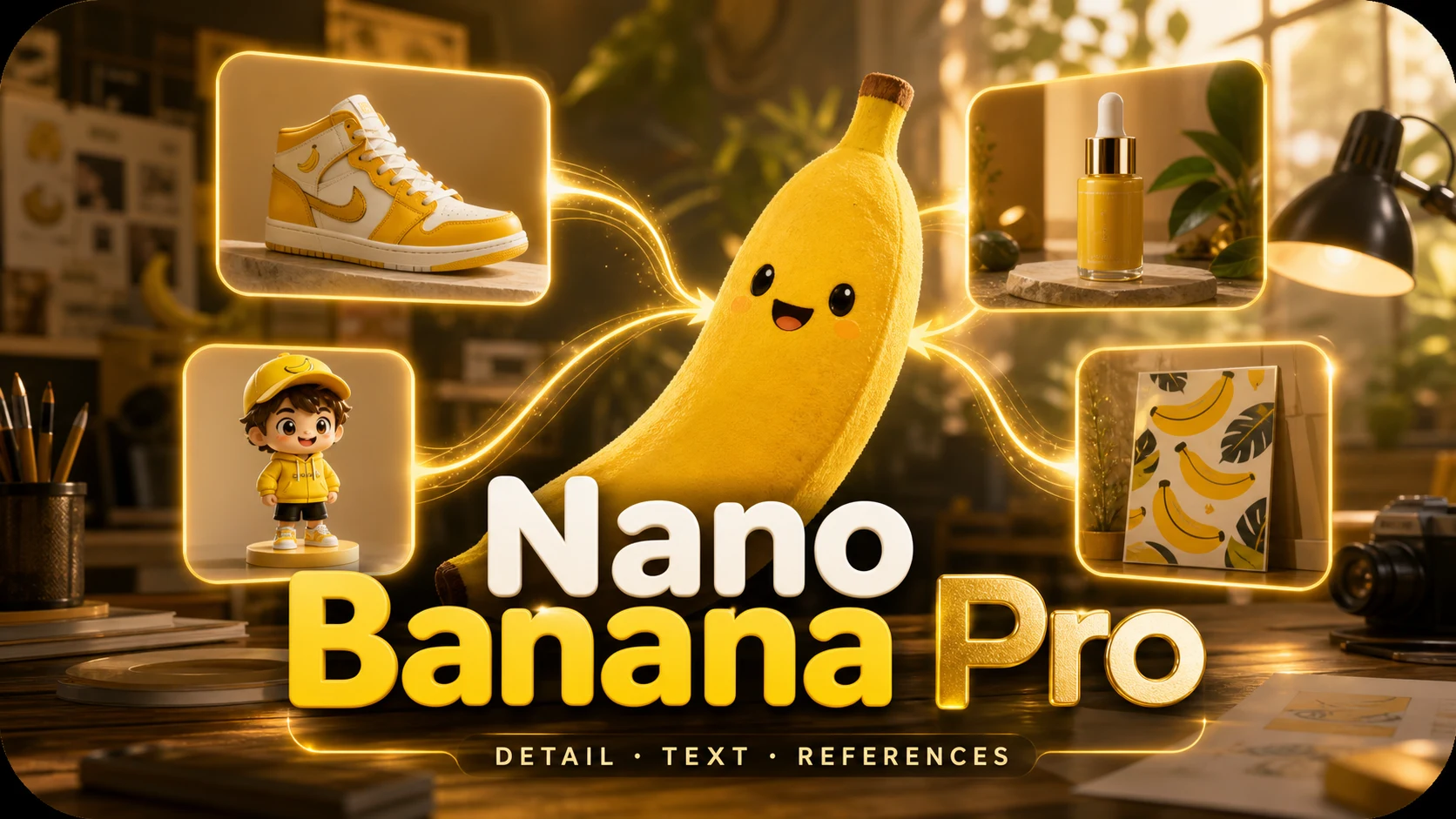 Nano Banana ProDetailed scenes, readable text, and reference-guided image edits.
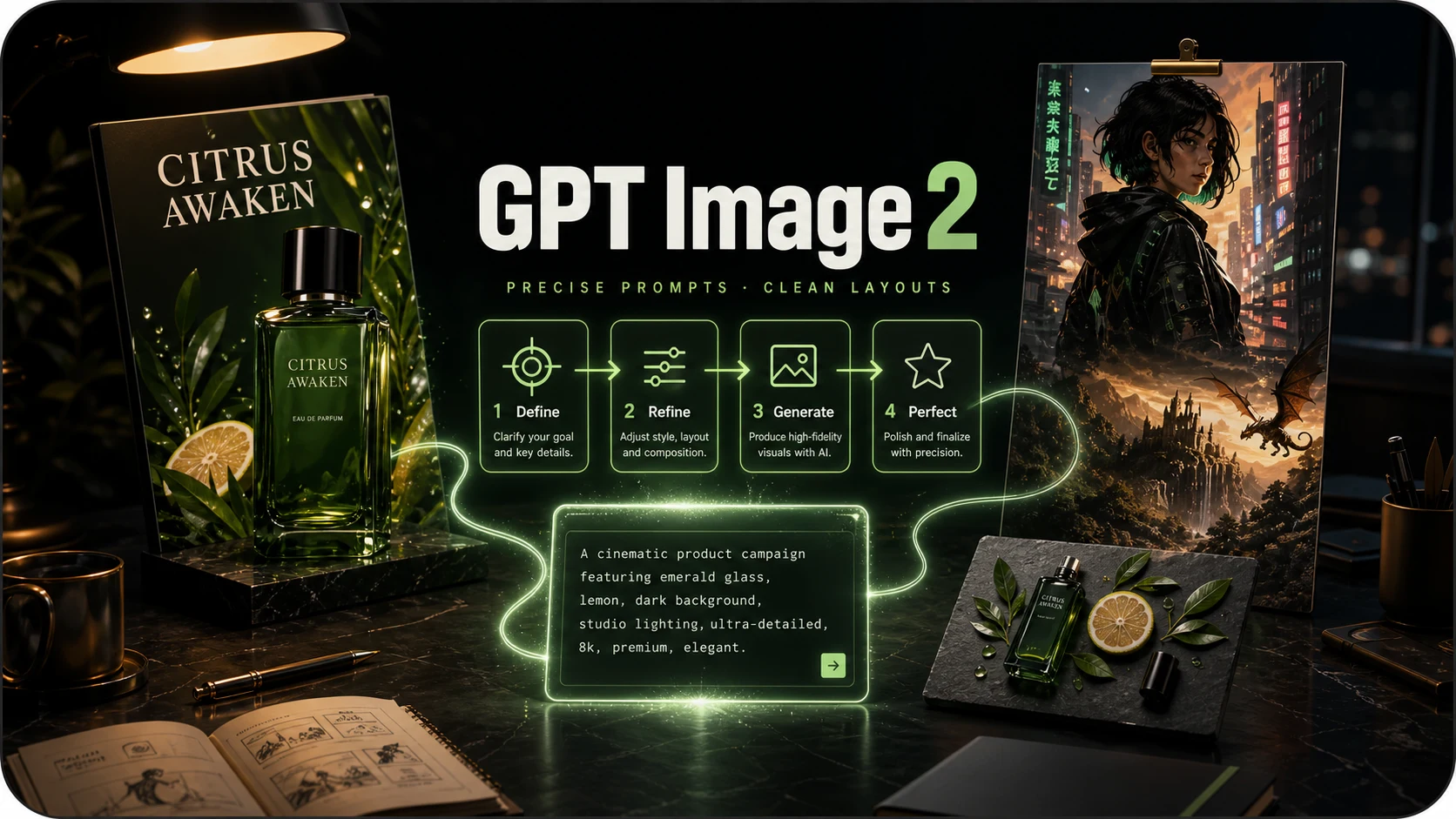 GPT Image 2Prompt-faithful illustrations, product shots, and precise layouts.
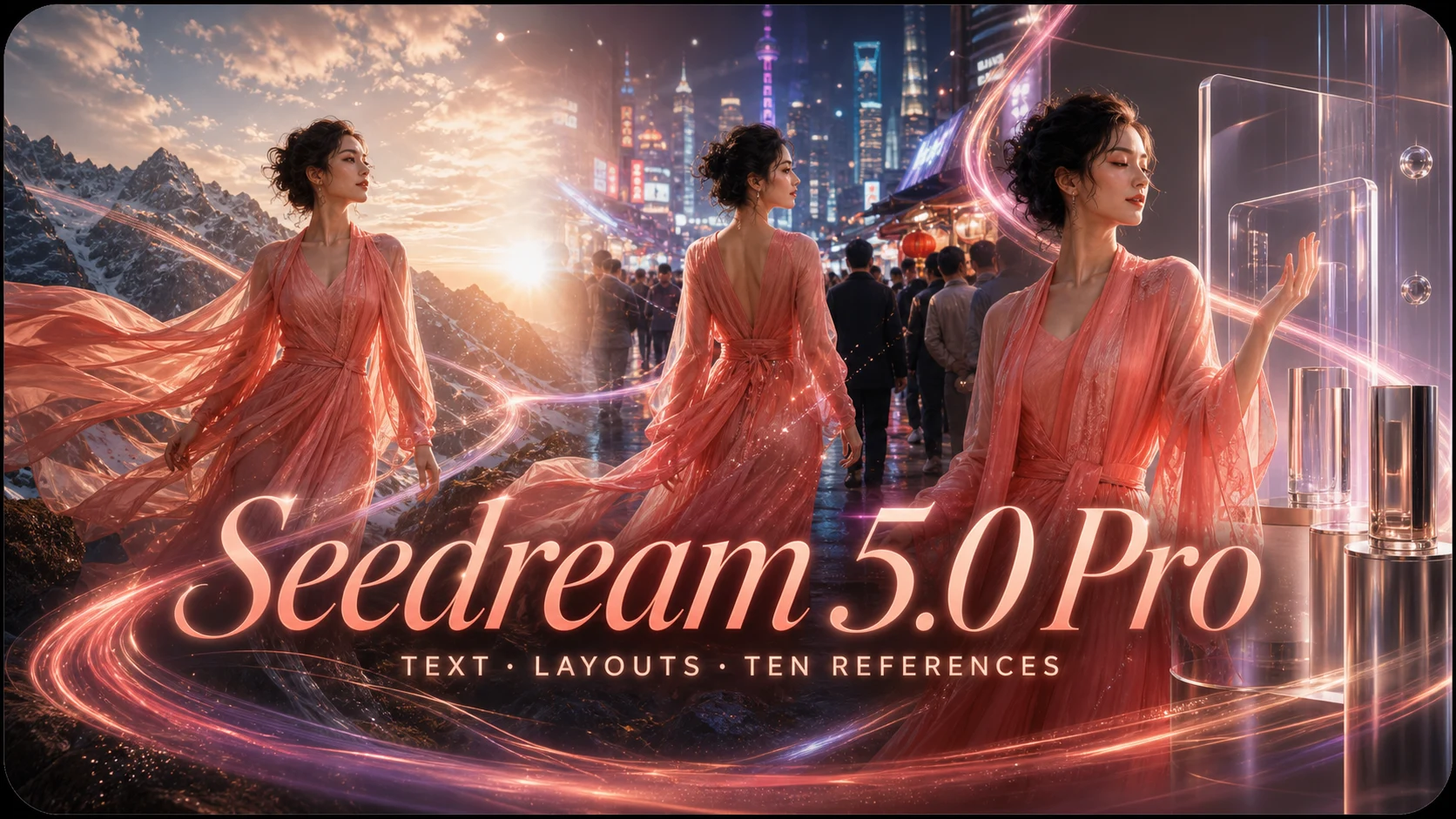 Seedream 5.0 ProProduction layouts, multilingual text, realistic materials, and multi-reference edits.
AI Image Generator Examples
Explore images made from real prompts with the generator above. Open any example to view it full size, reuse its prompt, or use the image as a reference.
AI Image Generation Features
Text-to-image generation
Describe the subject, style, composition, and light in plain language. The generator turns your prompt into a finished image without negative prompts or seeds.
Readable text in AI images
Create posters, packaging, and title cards with legible words, including non-Latin scripts. Nano Banana Pro and GPT Image 2 are the strongest choices for text.
Multiple AI image models
Use FLUX Schnell, Nano Banana Pro, GPT Image 2, and Seedream 5.0 Pro from the same prompt box. Switch models between runs to compare speed, detail, layout control, and reference handling.
Up to four images per prompt
Generate as many as four variations at once with FLUX Schnell, then keep the composition that works instead of rerunning one image at a time.
Aspect ratio control
Pick 1:1, 16:9, 9:16, 4:3 or 3:4 before generating and the model frames the shot for it, rather than you cropping it afterwards.
Private image history
Every generation is saved with its prompt and model in your private library, ready to download at full resolution, reuse as a reference, or run again.
What You Can Do with the AI Image Generator
Create from text, transform a reference image, and keep every result in one private workspace — with the right model for each idea.
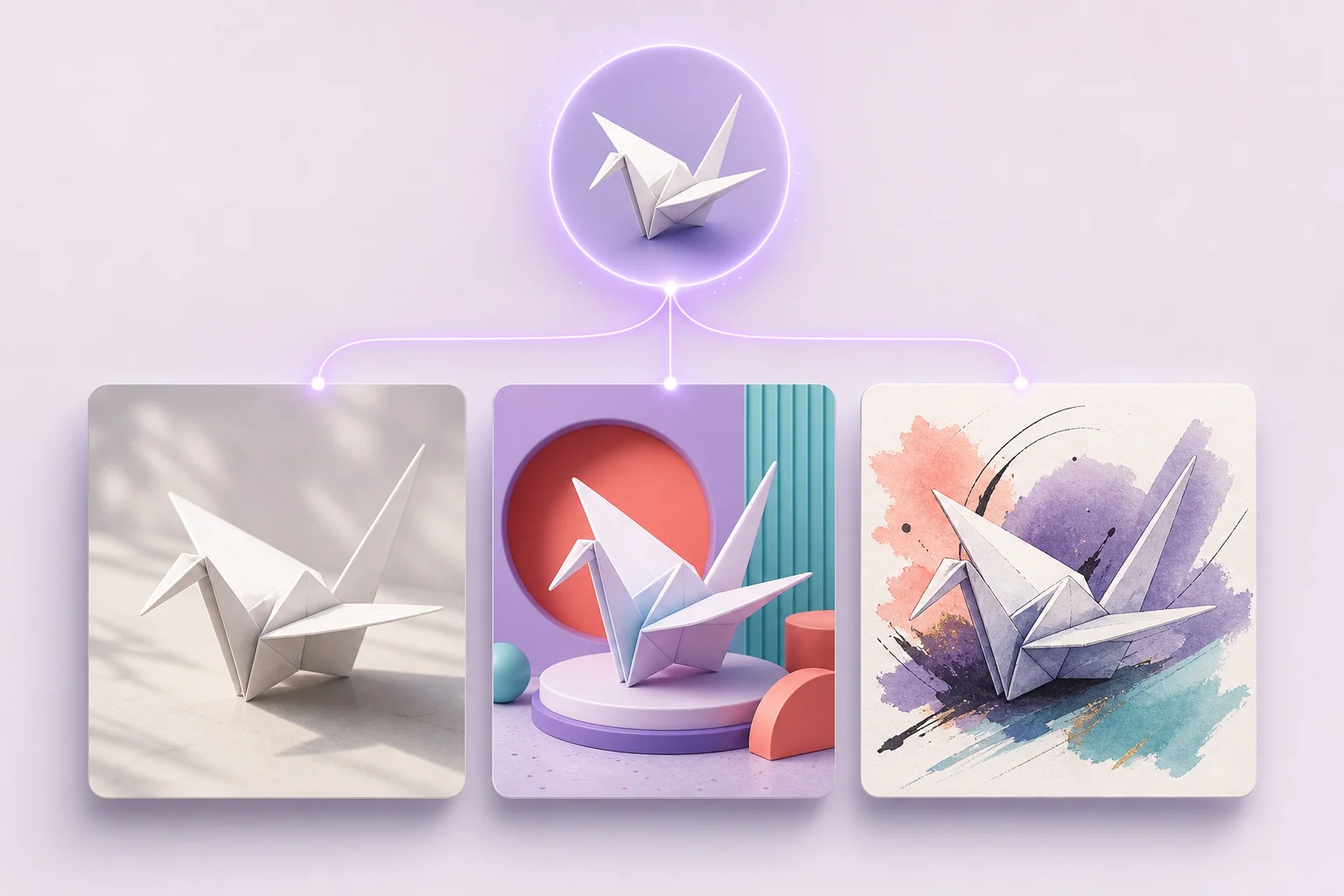
The right AI model for every image
Switch between FLUX Schnell for rapid drafts, Nano Banana Pro for dense detail, GPT Image 2 for prompt-faithful layouts, and Seedream 5.0 Pro for production visuals and multi-reference work. One generator gives you different strengths without changing your workflow.
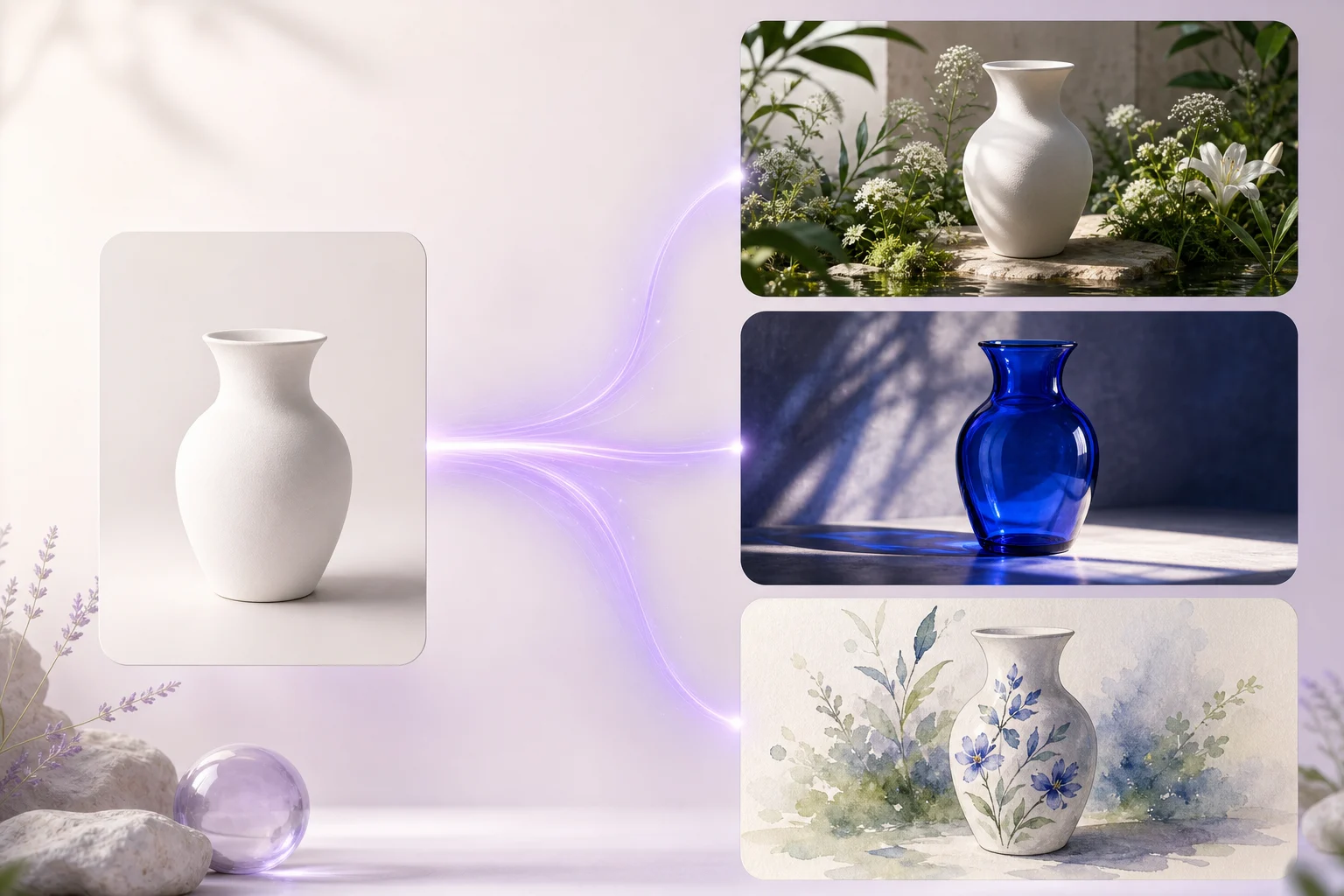
Create from text or transform a reference
Start with a written idea or upload an existing image. Change the style, setting, lighting, composition, or subject while using the original as a visual guide — useful for product variations, campaign concepts, and creative exploration.
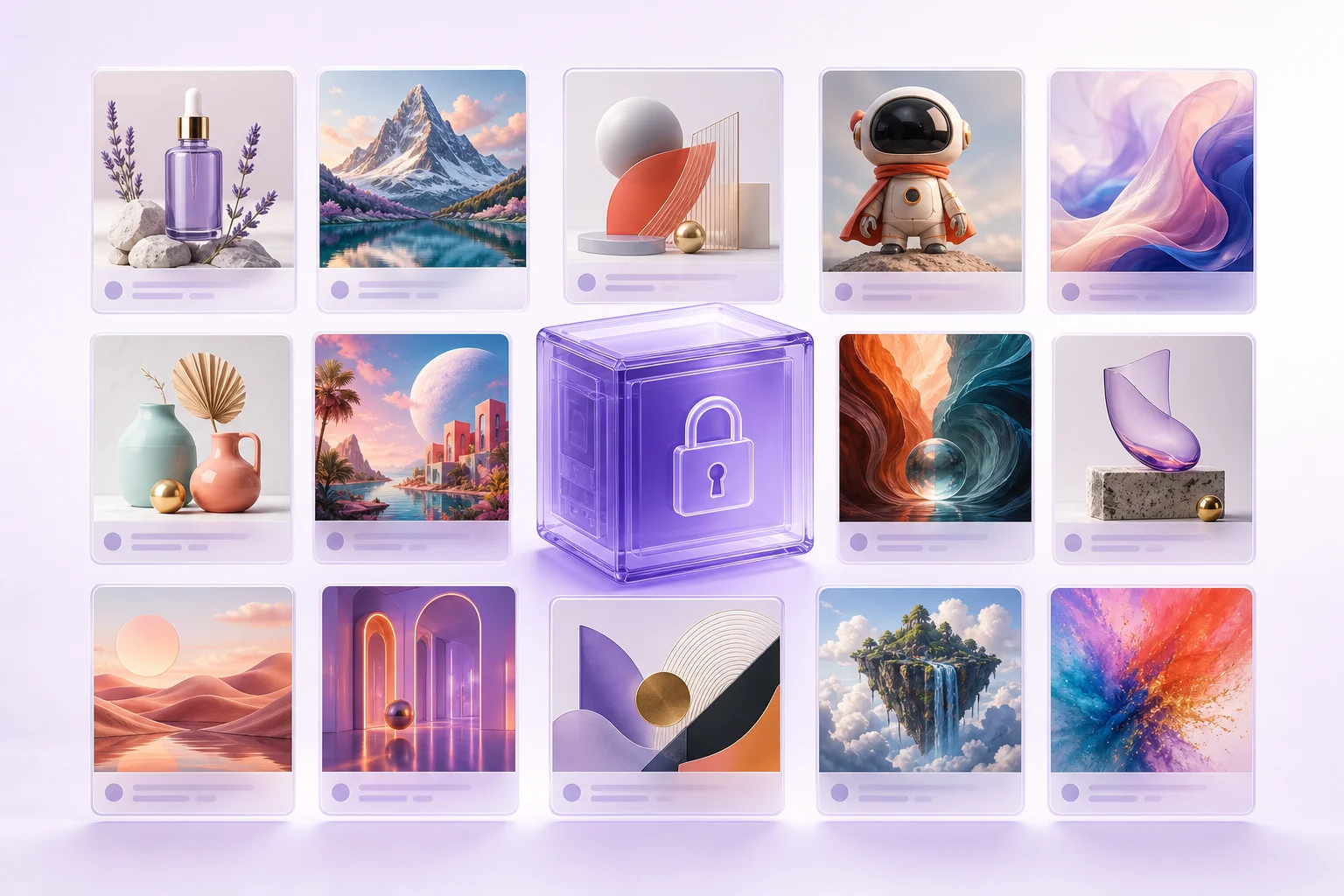
A private library for every creation
Every result stays with its prompt and model in your private image library. Download the full-resolution file, reuse its prompt, or bring the image back as a reference whenever you want to develop the idea further.
AI Image Generator FAQ
Answers about image models, free credits, prompts, and what you need to generate your first image.
What is an AI image generator?
It's a tool that turns a written description into a picture. You type what you want to see, pick a model and an aspect ratio, and the image is rendered for you in seconds — no drawing, no stock library, no editor.
Is it free to use?
There is a free tier. Sign up and you get welcome credits, which is enough for a good handful of images, with no payment details required. Paid plans add the higher-fidelity models, more monthly credits and API access.
Which models can I use?
Use FLUX Schnell for fast drafts, Nano Banana Pro for difficult detail, GPT Image 2 for prompt-faithful layouts, and Seedream 5.0 Pro for production visuals and multi-reference work. You can switch between them in the same prompt box.
Can it render text inside images?
Yes. Put the exact words in quotes in your prompt — a headline on a poster, the wording on a product label — and they are rendered as part of the image. Nano Banana Pro and GPT Image 2 are the strongest choices when the text has to be perfect.
How do credits work?
Each render costs credits based on the model and how many images you asked for, from 1 credit for a FLUX Schnell image. The cost is shown next to the generate button before you commit, and your balance replaces it once you are signed in.
Do I need to install anything or bring an API key?
Neither. The models run on our side, so there is nothing to download, no GPU required and no key to paste. It works from any laptop or phone browser.
Create Your First AI Image
Write your own prompt or start from an example above. Choose a model and aspect ratio, then generate online with free credits.